Start Family Asset Manager
Step 6 of 6
Pick up where you left off, then keep building.
- One workspace
- Progressive setup
- Family-ready
You don't need every answer on day one. Start with a single document, account, or trusted contact. Your dashboard keeps the picture coherent as you add more over time.
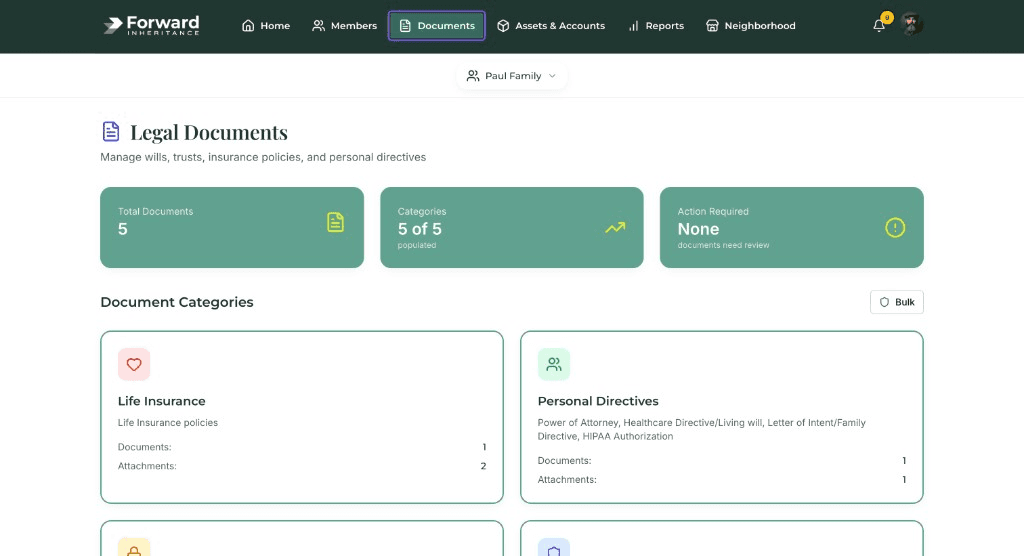
Centralize wills, policies, and deeds, not scattered folders.
- Legal records
- Insurance
- Property
Legal documents, insurance, and property records stay categorized so your family isn't guessing file names or digging through email when it matters.
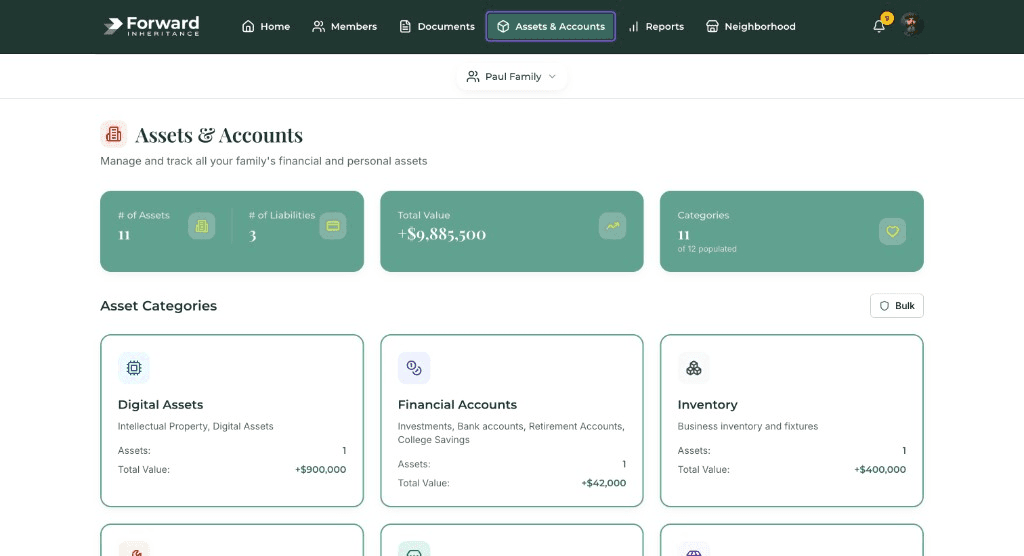
Connect assets so totals and gaps stay visible.
- Assets
- Totals
- Gaps
Homes, accounts, and insurance roll into structured views, so you see what's documented and what still needs attention.
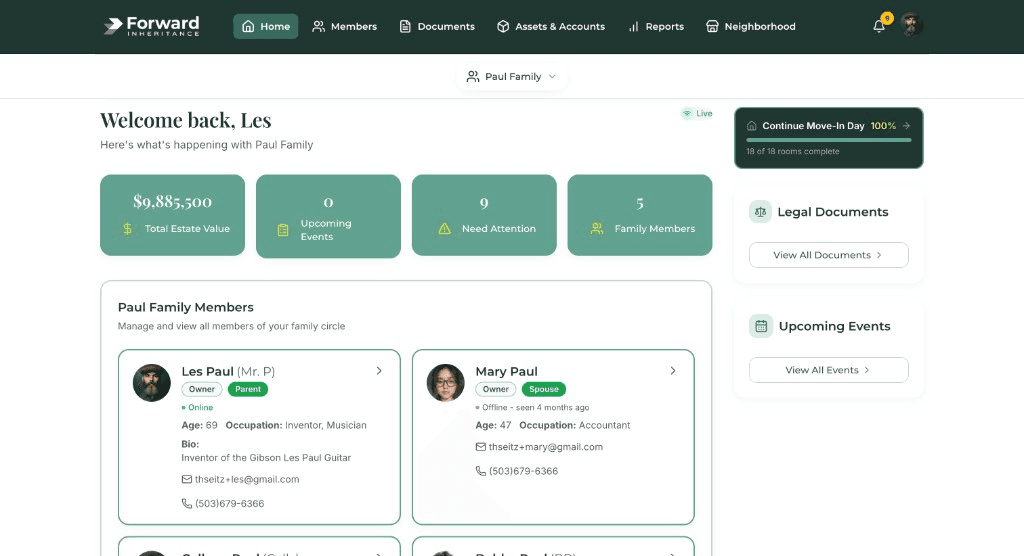
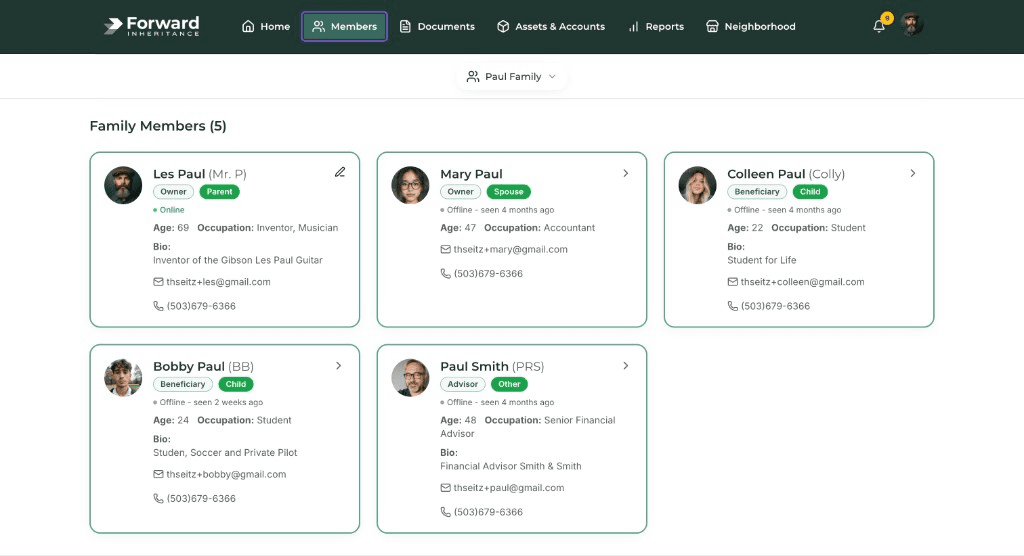
Invite the people who should be in the loop.
- Members
- Roles
- Permissions
Family members, executors, and advisors appear with roles you control, so permissions match trust, not guesswork.
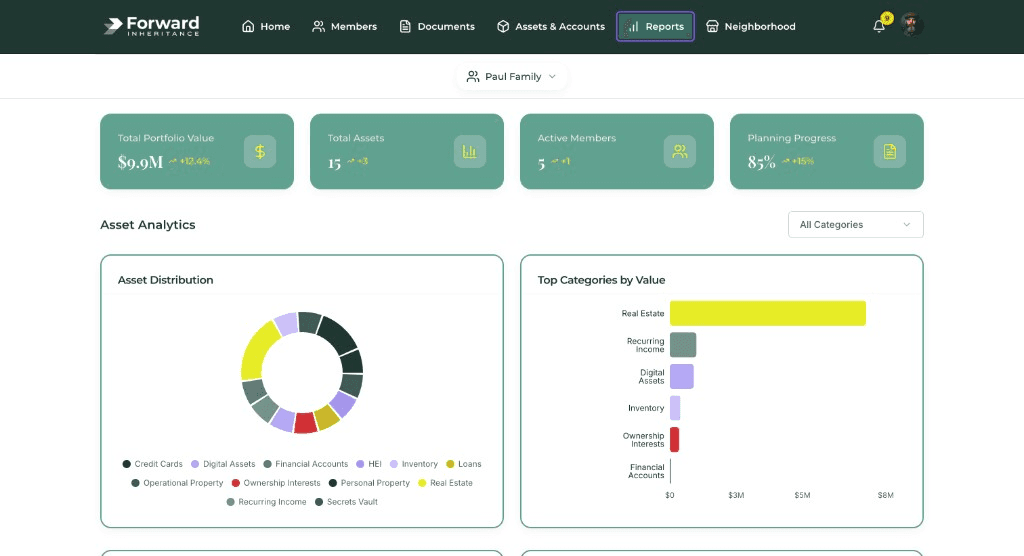
Reports help you see readiness, not just storage.
- Readiness
- Summaries
- Next focus
Visual summaries highlight where your plan is strong and where a few more steps could save your family stress later.